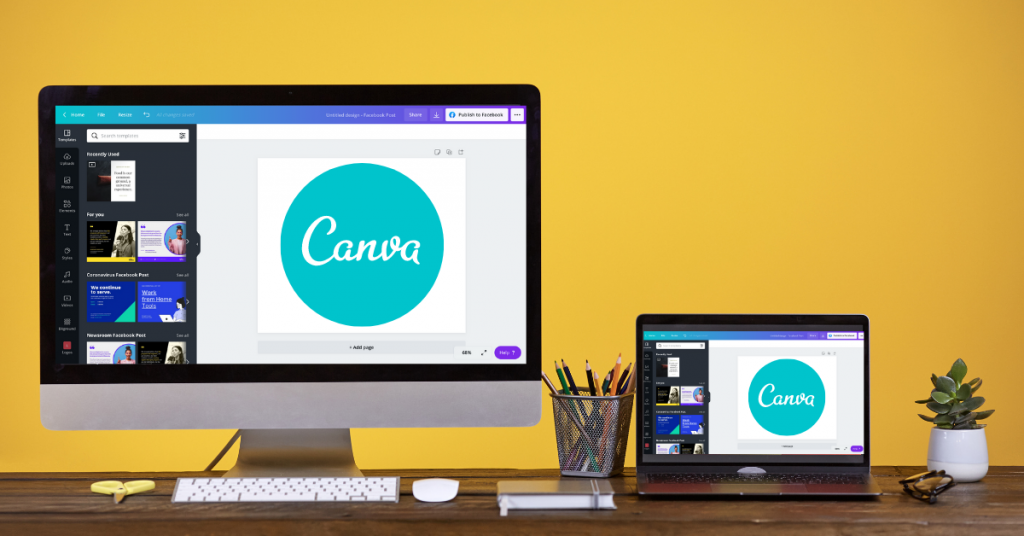
In today’s era of the fast-moving virtual world, design is most certainly a part of communications. As a business owner, as a marketer, as a pupil, or as a content producer, pictures become absolutely crucial in grabbing people’s attention and conveying your message effectively. However, not everybody has the technical expertise to handle advanced design tools like Photoshop or Illustrator. That is where Canva comes in—a simple, easy-to-use, and responsive tool that has completely revolutionized one’s way of designing.
Canva is a computer graphic design tool by which any individual, however proficient a designer he/she might be, can create professional-level visual content. Social media posts and presentation slides as much as business cards, CVs, and posters, designing on Canva is so easy, convenient, and hassle-free. With its gigantic repository of templates, fonts, images, and designs, Canva makes it easy for users to turn their dreams into reality without them being design experts.
What is Canva?
Canva was founded in 2013 and is now the world’s top design platform. The original vision is straightforward: design for everyone. Instead of taking time to learn how to use design software, users can drag, drop, and tweak templates in minutes.
Canva can be accessed as a web application or mobile application to design on the go. Canva also has a free plan with extensive tools, and Canva Pro, a premium plan that offers more features like a brand kit, premium templates, and a vast stock library of images, videos, and elements.
Key Features of Canva
Templates for Any Need
Canva has thousands of ready-made templates for almost everything—Facebook updates, YouTube thumbnails, posters, resumes, infographics, business reports, flyers, etc. All templates are editable, and you can insert your branding, colors, and design into them.
Drag-and-Drop Editor
The easiest aspect to work with in Canva is its drag-and-drop editor. You can drop and drag objects, insert text, change fonts, change color, and replace images with fewer clicks.
Massive Content Library
Canva also offers access to millions of stock images, video clips, icons, and illustrations. Though many are free, Canva Pro offers access to a greater number of premium resources.
Collaboration Tools
It is easy for teams and businesses to collaborate on Canva. Any number of team members can collaborate on a design at the same time, leave comments, and even edit at the same time—like Google Docs.
Brand Kit
With Canva Pro, you can include your logo, select your brand colors, and select brand fonts. This makes all your designs consistent in looks and saves time making numerous projects.
Magic Resize
You also have Magic Resize as a Pro feature that helps you resize your design automatically for different platforms. For example, you can turn a Facebook post into an Instagram story or LinkedIn banner in one click.
Printing Services
Canva also sells to business card holders and prints. Business cards, flyers, posters, and all other promotional items are beautifully printed and delivered to your doorsteps.
Why Canva is Such a Success+

Canva is popular worldwide because it provides the largest solution: professional design with no hassle. Below are just some of the reasons why millions use Canva every day:
- Easy to Use: Beginners can design like experts.
- Cost-Savvy: Free version and affordable Pro plan compared to market-leading design software.
- Time-Saving: Templates save hundreds of hours.
- All-in-One Solution: Canva does it all, from tweets to business reports.
- Cloud-Based Solution: No large downloads—web and anywhere use.
Canva for Business

Canva is extremely convenient for companies, especially small and medium-sized enterprises. Brand name social media images, email campaign photos, ad photos, and presentation photos are rapidly created by marketers. Canva Pro also assists companies to maintain the brand consistent by means of the brand kit and co-working on design templates by the team.
Instead of outsourcing every minor design project, businesses can save time and money by creating professional documents for themselves. This is one of the reasons why Canva has been such a gigantic help to entrepreneurs, startups, and agencies who are interested in growing their marketing business. Design Smarter with Canva now!
Canva for Students and Educators

Education is another area where Canva is the clear winner. Students use Canva to make presentations, resumes, and study guides, while educators use Canva to make interactive lesson plans, posters, and classroom activities. Canva also has a free plan named Canva for Education that teachers and students can use to get premium features for free.
It brings teaching and learning to a higher level to become more innovative, interactive, and visually stimulating.
Canva vs. Professional Design Software
Though Photoshop and Illustrator remain the professional graphic designer’s best bet, Canva fills a different space. It’s not meant to replace expert design software but make design accessible to everyone.
- Photoshop/Illustrator: Highly controlled, very high learning curve, costly.
- Canva: Quick, simple, low cost, user-friendly by non-designers.
Both are used by individuals and organizations aplenty—Canva for basic projects and Adobe software for more advanced ones.
Final Thoughts
Canva has revolutionized design life because it has simplified design, made it budget-friendly, and accessible to everybody. Whether you are a business owner, social media guru, teacher, student, or somebody who needs to design wonderful pictures, Canva gives you what you need without much hassle.
Its intuitive interface, massive template library, and collaboration features make it a favorite among millions of people worldwide. Design is no longer in the experts’ hands when you’ve got Canva—it’s everyone’s now.
So go ahead, whether you’re looking to design a killer resume, create social media pics that impress, or set up a business presentation, Canva is the go-to design companion.
